The key idea
A backup needs a working restore
Check coverage, keep appropriate independent copies, and practise recovery.
Confirm what the backup covers
Check whether backups are included in your specific VPS plan or offered as a separate service. Confirm what is copied, how often it runs, where copies are stored, how long they are retained, and whether a restore has an extra charge. Do not assume a virtual server snapshot includes every external database, mounted volume, or application state.
Keep copies that match your recovery needs
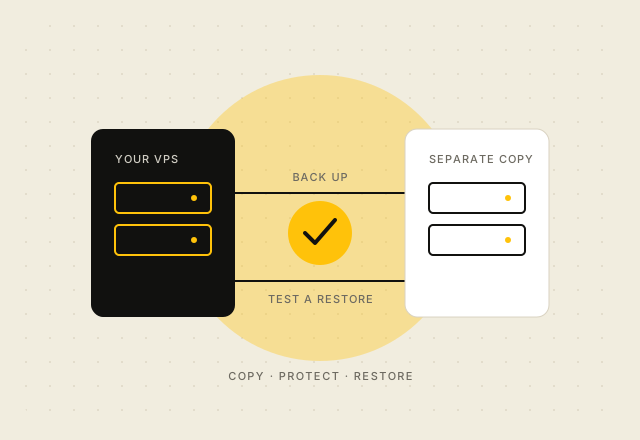
Decide how much recent data you could recreate and how long the service can be unavailable. Use those answers to choose backup frequency and recovery steps. Keep an independent copy of important data and configuration where appropriate, with access credentials separate from the VPS account. Encrypt sensitive backup data and limit access to the people who need to restore it.
Test a restore
Schedule a restore into a separate environment and confirm that the application starts, its data is consistent, and required credentials and configuration are available. Record how long the recovery took and update the procedure when the application changes. A backup job completing successfully does not prove that a working service can be restored.
Know the division of responsibility
Check the written service description and terms to see which backup duties the provider accepts and which remain yours. vpsonClick’s published terms ask customers to maintain independent backups unless a written service description says otherwise. Keep a copy of the current Terms of Service and plan details alongside your recovery notes.
Review vpsonClick VPS plans and confirm any backup service before placing an order.