The key idea
Start with your workload
Match resources and operating responsibilities to what your project actually needs.
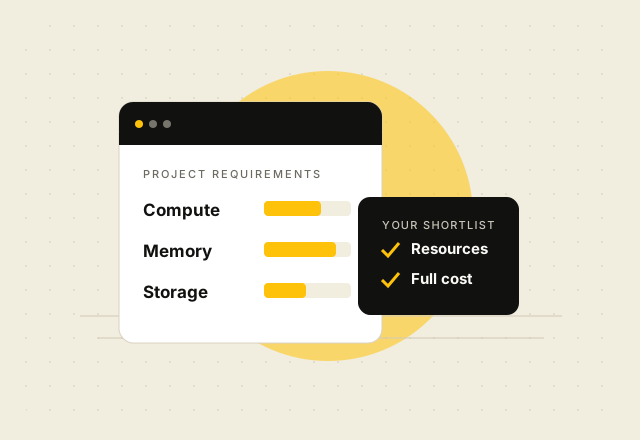
Start with the workload
List the applications and services you plan to run. A small website, API, database, staging environment, and several containers can have very different memory, storage, and network needs. If you already run the project, measure its current use during normal and peak periods. For a new project, choose a modest starting point and check whether you can upgrade later.
Compare the resources
- vCPU: Check how many virtual CPU cores the plan provides and whether the provider documents them as shared or dedicated.
- RAM: Include the operating system, database, application workers, and any containers when estimating memory.
- Storage: Allow room for the operating system, application files, databases, logs, package updates, and growth. Confirm the storage type and any documented limits.
- Data transfer: Confirm what the included TB figure measures, its billing period, and what happens if you exceed it.
- IP addresses: Check the included IP versions and whether any additional addresses have a separate price.
Check the operating work and price
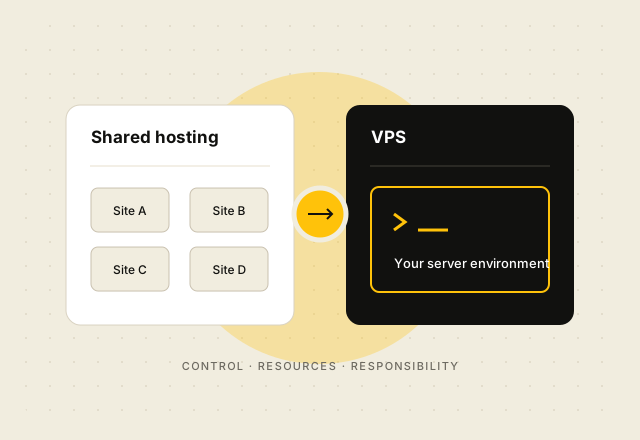
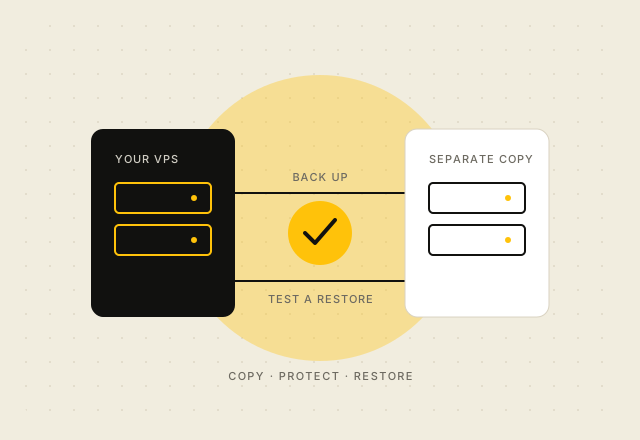
A VPS usually needs someone to configure and maintain its operating system and software unless management is explicitly included. Confirm who handles updates, security, backups, and incident response. Compare the monthly rate with the full upfront total for longer billing periods. Check renewal pricing, applicable VAT, and the offer’s guarantee conditions before ordering.
Review vpsonClick VPS plans and full billing terms. The catalog lists configured resources; ask the provider to confirm any hardware or management detail it does not publish.