The key idea
Follow your users, then measure
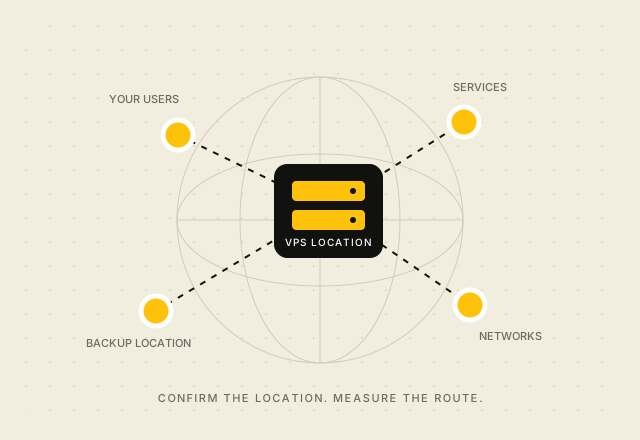
Confirm the actual service location and test network paths before moving production.
Start with your users and services
Map where people or systems will connect from, and identify any services the VPS must reach. A location nearer to users can reduce network distance, but actual latency also depends on routing, the user’s access network, and the VPS provider’s upstream connections. Test from the networks and cities that matter to your project before making a performance claim.
Confirm the physical service details
Ask where the VPS itself runs and where its backups and support systems are handled. Check whether you select a location during checkout and whether the selection applies to every plan. A provider’s registered office, service brand, or domain does not by itself establish a server’s physical location.
Check data and operating requirements
Identify which data your service will process, who can access it, and which contractual or legal obligations apply. Confirm the provider’s current terms and documented data-handling arrangements with an appropriate adviser where needed. A server in Europe does not, by itself, establish that a workload meets every privacy or regulatory requirement.
Measure before moving production
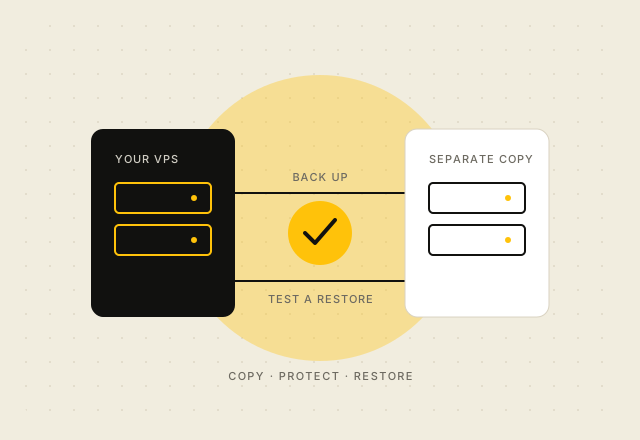
Use trial workloads or network measurements from multiple access networks. Compare response times and packet loss, then verify the actual service location and any backup arrangement. Keep copies of those checks with the deployment notes so you can repeat them when infrastructure changes.
See the currently configured options on the vpsonClick VPS pricing page. It lists the public plan details available at checkout.